
Start smart
Find Your Best Rig Fit.
The best rig is the one that solves your actual workload without wasting money on specs you will not feel.
THE RIG FINDER
Your needs. Your budget.
Your next rig.
Desktop or laptop. Gaming, creative work, everyday tasks or local AI. Start with what you need and find your buying direction.
How to think about it
Start Here
Pick the workload
Gaming, local AI, creator work, engineering, office speed, or mixed use.
Set the monitor or model target
Resolution and refresh rate for gaming. VRAM and RAM target for local AI.
Check the boring parts
Cooling, warranty, power supply, motherboard, storage, and expansion space.
Visual hardware guide
Visual References For This Buying Path.
Use these visuals to explore hardware categories, compare specifications and identify the details to check before buying.
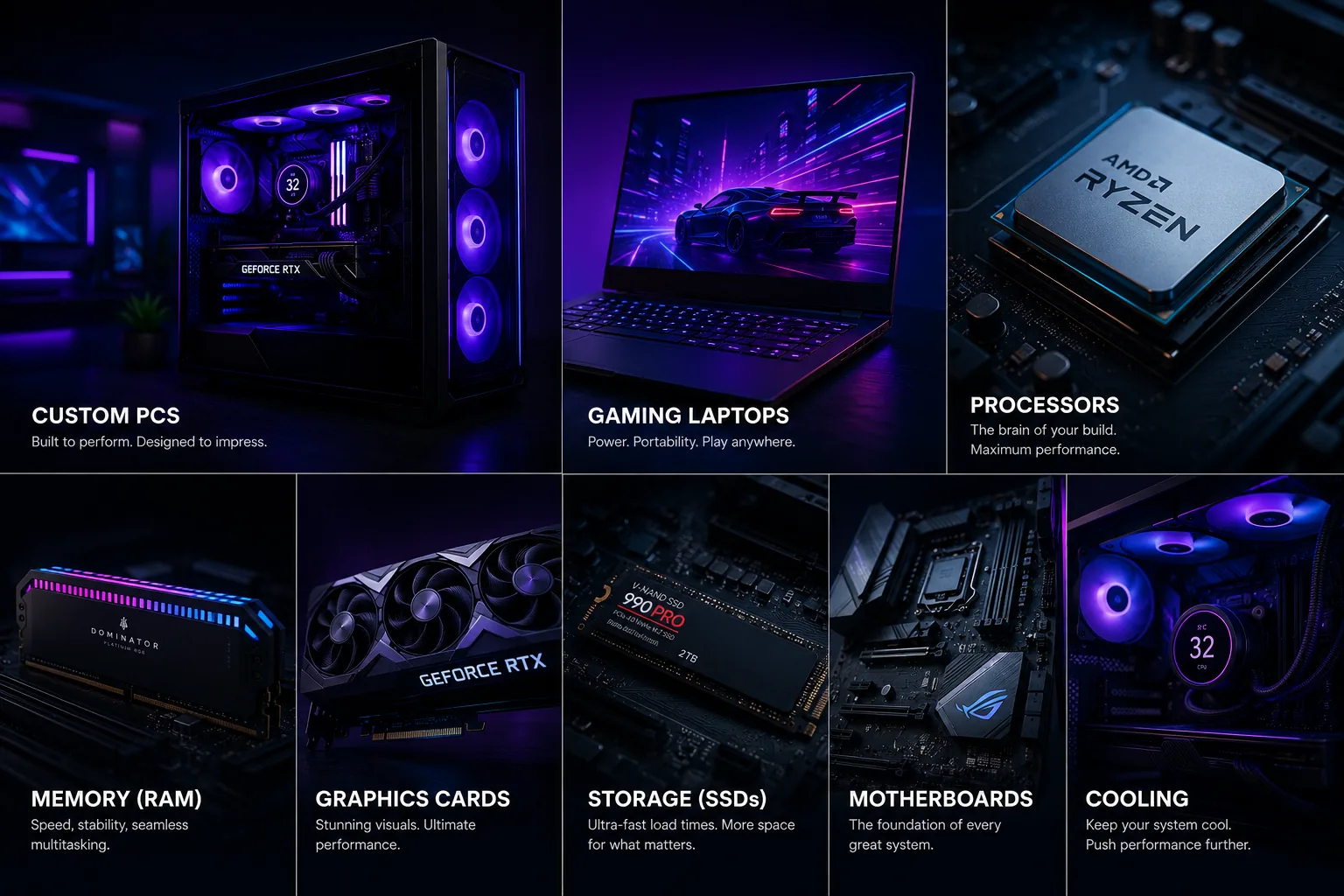 All Product Paths
Desktop, laptop, processor, memory, graphics, storage, motherboard, and cooling categories in one visual map.
 Desktop Systems
Tower airflow, GPU fit, PSU headroom, and upgrade room decide the long-term value of a desktop rig.
 Gaming Laptops
Mobile GPU wattage, thermals, display quality, battery, and memory access matter before the model name.
 Graphics Cards
GPU picks should match resolution, VRAM needs, case clearance, PSU connectors, and airflow.
 Processors
CPU choices need socket, chipset, cooling, BIOS, and workload context before they become recommendations.
 Cooling
Cooling checks include radiator support, fan mounts, pump behavior, noise, dust access, and sustained thermals.
AI PC basics
Not Every AI PC Is Built For Local Models.
If AI is part of the buying decision, separate NPU features from GPU-heavy local workloads before choosing a tower.
Read the AI PC explainer or use the rig finder above to explore a desktop or laptop for local AI.
Search your need
Search By Need.
Search by use case, budget, GPU, VRAM, monitor target, or review topic.
New to choosing a PC? Start with your workload, budget, upgrade path, and whether you need gaming, creation, local AI, or all-purpose performance.
Help improve this page
Found A Better Lead Or Real-World Detail?
Send a qualified product lead, correction, owner note, or review request. Strong submissions include exact model numbers, URLs, price context, workload, warranty notes, and what should be verified before publication.