
Buying guides
Best Desktop Buying Paths.
This hub is the launchpad for budget, midrange, premium, workstation, and specialized prebuilt recommendations.
How to think about it
Best Desktops
Best under $1,000
Focused on everyday speed, 1080p gaming, and simple upgrade paths.
Best $1,000-$2,000 rigs
The sweet spot for gaming, streaming, and serious home productivity.
Best high-end desktops
For 4K gaming, creator work, simulation, and demanding mixed workloads.
Visual hardware guide
Visual References For This Buying Path.
Use these visuals to explore hardware categories, compare specifications and identify the details to check before buying.
 Desktop Systems
Tower airflow, GPU fit, PSU headroom, and upgrade room decide the long-term value of a desktop rig.
 Graphics Cards
GPU picks should match resolution, VRAM needs, case clearance, PSU connectors, and airflow.
 Processors
CPU choices need socket, chipset, cooling, BIOS, and workload context before they become recommendations.
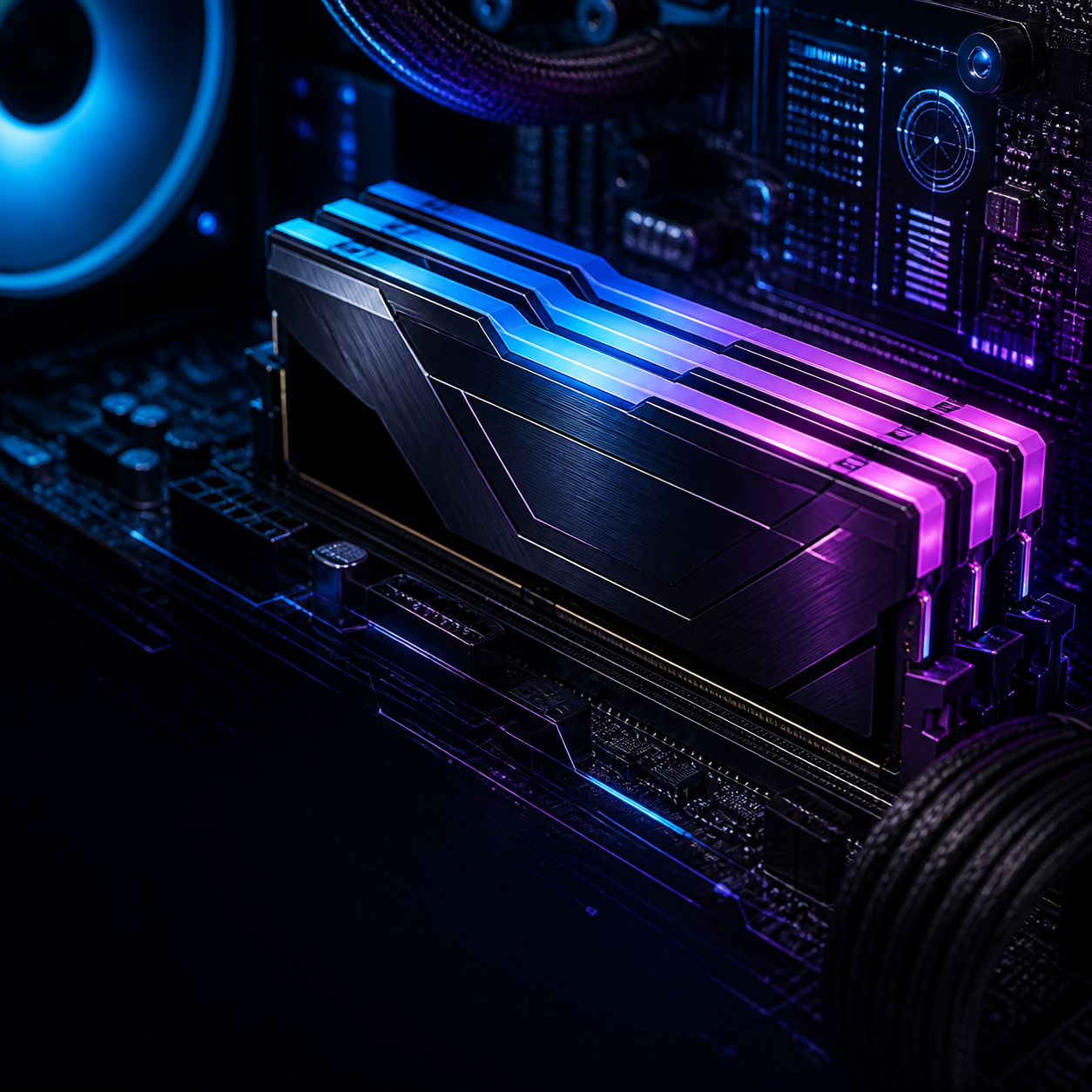 Memory
RAM upgrades depend on DDR generation, slot count, capacity ceiling, speed support, and matched kits.
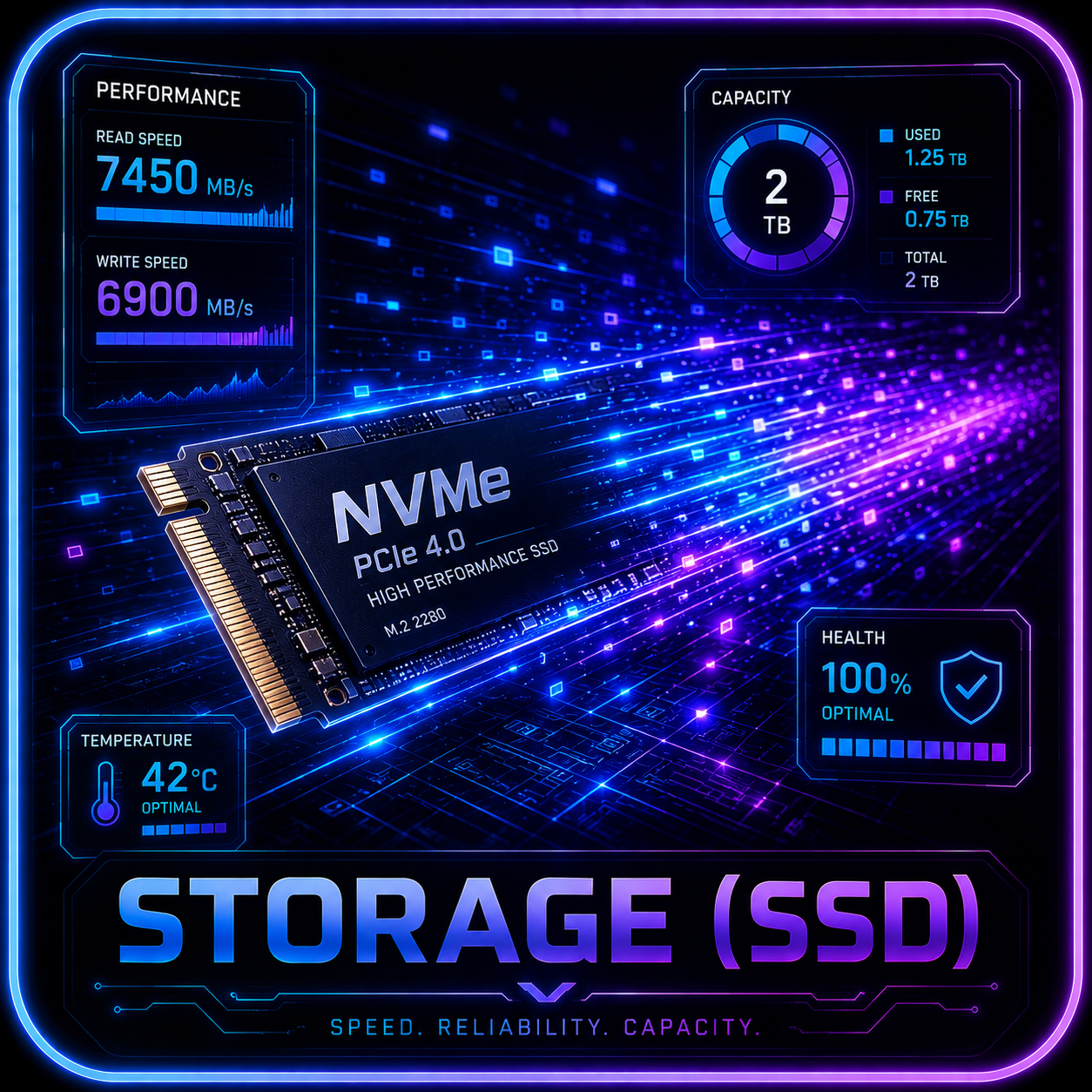 Storage
SSD recommendations need M.2 slot, heatsink, lane sharing, capacity, endurance, and migration checks.
 Cooling
Cooling checks include radiator support, fan mounts, pump behavior, noise, dust access, and sustained thermals.
Tracked comparison
Tracked Desktop Candidates.
These rows are the shared comparison source for brand lanes, product reviews, and buyer tables. Prices and retailer links stay gated until exact SKU checks are complete.
 Before you buy
Retailer links appear only after the exact configuration, seller, price context, warranty, and availability have been checked. Any compensated relationship will be clearly disclosed.
Commercial map
Clear Desktop Tiers.
Each tier now routes to a live guide, review, or builder path so readers can move from category choice into a concrete next step.
Budget Desktop
Students, home offices, family PCs, and entry 1080p players.
Watch:Weak power supplies, single-channel RAM, tiny SSDs, and no GPU upgrade space.
Decision path: reliable budget desktop checklistMainstream Gaming
1440p gaming, streaming, school work, and serious daily multitasking.
Watch:Paying for RGB while the GPU, cooling, or warranty quietly gets worse.
Live path: compare ROG G700-class towersLocal AI Starter
Readers testing local models, creative AI tools, and GPU-heavy experiments.
Watch:Low VRAM GPUs, 16GB system RAM ceilings, and cramped cases under sustained load.
Decision path: VRAM-first AI desktop screenCreator Workstation
Editing, rendering, CAD, simulation, code work, and mixed pro workloads.
Watch:Thin cooling margins, limited RAM slots, poor support, and single-drive builds.
Decision path: sustained-load workstation screenCompact PC
Dorms, apartments, desks with limited space, and clean living-room setups.
Watch:Noise, heat, proprietary parts, and upgrade paths that stop at purchase.
Decision path: compact desktop caveat screenDecision lanes
Budget, Mainstream, Or Premium?
These lanes turn the desktop hub into a practical routing page before any exact product receives a live retailer button.
Reliable Everyday Desktop
Modern Core i5 / Ryzen 5 class CPU, 16GB RAM, 512GB-1TB SSD, Wi-Fi, standard ports, and clear support terms.
Students, families, home offices, light creators, and buyers who care more about reliability than peak graphics.
Do not publish a budget pick if it has 8GB RAM, tiny storage, vague warranty terms, or no sensible upgrade path.
Balanced Gaming / Work Desktop
RTX 5060 Ti to RTX 5070-class GPU, 32GB RAM when possible, 1-2TB NVMe storage, and enough cooling for long sessions.
1440p gamers, students who also play, streamers, and mixed-use buyers who want one desktop to do most things well.
Require exact GPU/VRAM, PSU wattage, case airflow, motherboard, warranty, and a same-class non-brand alternative.
4K / Creator / AI-Capable Tower
RTX 5080-class or better for 4K gaming, 32-64GB RAM, 2TB storage, strong PSU headroom, and quiet sustained cooling.
4K players, creators, local AI users, simulation/CAD buyers, and shoppers comparing premium prebuilts against custom builds.
Verify thermals, PSU, RAM ceiling, storage expansion, Linux/driver readiness, warranty, and whether price beats a custom path.
Buying checks
Check The Parts That Matter.
Use these filters before a desktop earns a review link, product-card placement, or retailer button.
Functional paths
Use These Desktop Paths Now.
ROG G700-Class Gaming Tower
Read G700 ReviewROG Desktop Comparison
Compare ROG LineupAlienware Aurora Path
Compare AlienwareAcer Predator Orion Path
Compare Acer PredatorValue Prebuilt Watchlist
Compare Value PrebuiltsUpgrade Parts Checklist
Open Upgrade PartsLocal AI Starter Screen
Open AI Rig GuideBudget Desktop Screen
Use Start Here BuilderCompact Desktop Screen
Open Gaming GuideRetailer links stay out until price, stock, exact SKU, warranty, and a credible alternative have been checked for that specific product row.
Search your need
Search By Need.
Search by use case, budget, GPU, VRAM, monitor target, or review topic.
Best desktop recommendations now start with the buying lane: reliable budget desktops, balanced gaming/work towers, premium creator or 4K systems, and specialized local AI paths. Exact SKU, price, warranty, support, cooling, and alternatives still gate every product CTA.
Help improve this page
Found A Better Lead Or Real-World Detail?
Send a qualified product lead, correction, owner note, or review request. Strong submissions include exact model numbers, URLs, price context, workload, warranty notes, and what should be verified before publication.