
Local AI
Local AI Rig Buying Guide.
Start with the model or creative workload, then work backward into VRAM, RAM, storage, OS support, thermals, and upgrade path.
How to think about it
Local AI Rigs
The model decides the lane
A 7B local chatbot, a 70B experiment, SDXL, and heavier image pipelines all push hardware differently.
VRAM is the ceiling
Quantization helps, but context length, batch size, and image resolution still run into GPU memory first.
Drivers matter as much as specs
CUDA, Linux readiness, Wi-Fi, firmware, fan control, and case airflow decide whether the rig feels usable.
Visual hardware guide
Visual References For This Buying Path.
Use these visuals to explore hardware categories, compare specifications and identify the details to check before buying.
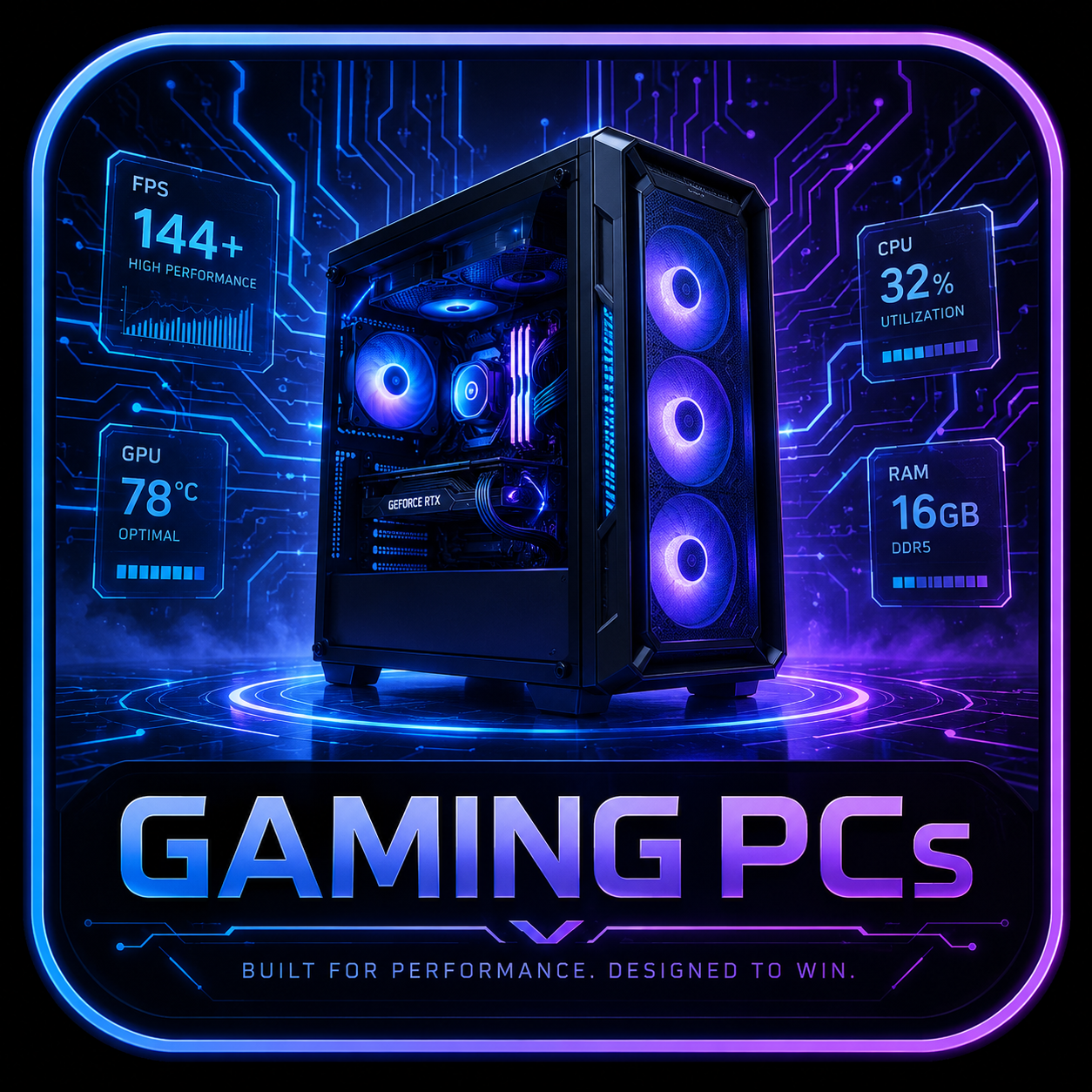 Desktop Systems
Tower airflow, GPU fit, PSU headroom, and upgrade room decide the long-term value of a desktop rig.
 Graphics Cards
GPU picks should match resolution, VRAM needs, case clearance, PSU connectors, and airflow.
 Memory
RAM upgrades depend on DDR generation, slot count, capacity ceiling, speed support, and matched kits.
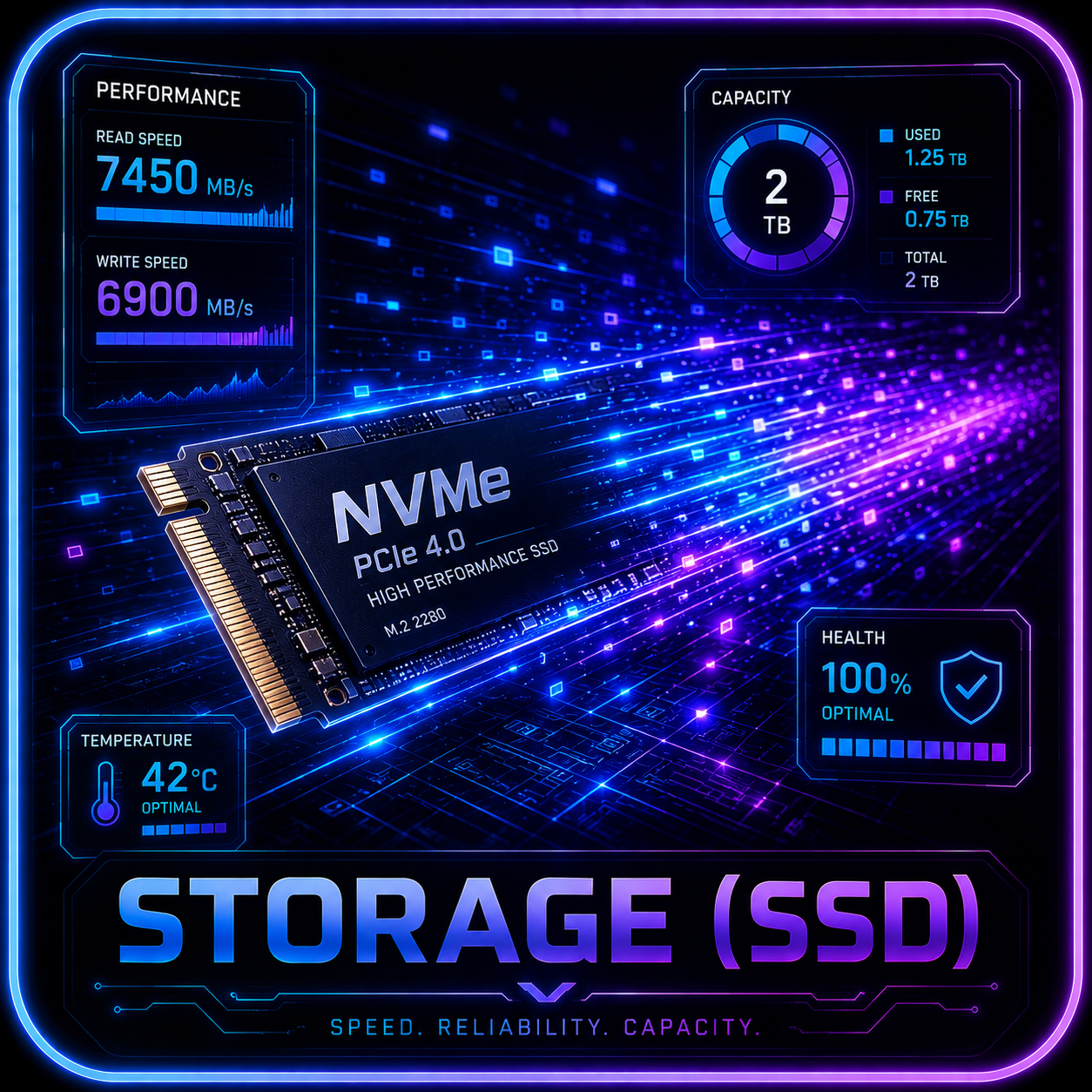 Storage
SSD recommendations need M.2 slot, heatsink, lane sharing, capacity, endurance, and migration checks.
 Cooling
Cooling checks include radiator support, fan mounts, pump behavior, noise, dust access, and sustained thermals.
 Processors
CPU choices need socket, chipset, cooling, BIOS, and workload context before they become recommendations.
Tracked comparison
AI-Capable Desktop Watchlist.
These gaming towers only become local AI candidates when VRAM, RAM, drivers, cooling, and exact SKU details support the workload.
 Before you buy
Retailer links appear only after the exact configuration, seller, price context, warranty, and availability have been checked. Any compensated relationship will be clearly disclosed.
Model-to-hardware map
Choose The Rig From The Workload.
This matrix turns the local-model question into buying lanes. It is intentionally conservative until exact model, quantization, context, driver, and cooling behavior are verified.
7B-8B Chat Models
- GPU / VRAM
- 8-12GB VRAM is the practical starter target; 12GB gives more breathing room for context and apps.
- RAM / Storage
- 32GB RAM and a 1TB NVMe SSD are the clean baseline for learning and tool testing.
- OS / Driver Notes
- Windows local apps are easiest; NVIDIA CUDA support becomes important as tooling gets more serious.
- Buyer Fit
- Best for learning, private notes, coding helpers, and light local experiments.
13B-14B And Longer Context
- GPU / VRAM
- 12-16GB VRAM is the safer lane, especially when context length and multiple tools are part of the workflow.
- RAM / Storage
- 32-64GB RAM and 1-2TB NVMe storage keep model files, caches, and other apps from fighting each other.
- OS / Driver Notes
- Check exact driver support, cooling behavior, and whether vendor control software is required for fans or power modes.
- Buyer Fit
- Best for frequent local chatbot testing, coding assistants, and mixed gaming plus AI use.
30B-32B Quantized Models
- GPU / VRAM
- 24GB VRAM is the clean target; smaller GPUs usually require heavier tradeoffs or CPU offload.
- RAM / Storage
- 64GB RAM and a 2TB NVMe SSD are the practical floor for keeping larger model libraries comfortable.
- OS / Driver Notes
- Linux and CUDA readiness become buying criteria, not optional notes, for this class of local work.
- Buyer Fit
- Best for serious local AI users who want bigger models without moving to a full workstation.
70B-Class Experiments
- GPU / VRAM
- 48GB+ VRAM, multi-GPU, or CPU offload should be assumed; one 12GB gaming GPU is not the right promise.
- RAM / Storage
- 128GB RAM, fast storage, and a platform with enough power and PCIe breathing room matter more than branding.
- OS / Driver Notes
- Expect Linux, CUDA, container, and driver work; verify power delivery and thermal behavior before recommending.
- Buyer Fit
- Best for labs, research, production testing, and buyers who understand workstation tradeoffs.
SDXL And Creator AI
- GPU / VRAM
- 12GB VRAM is a useful starting point; 16-24GB helps with larger batches, higher resolution, and heavier workflows.
- RAM / Storage
- 32-64GB RAM and 1-2TB storage are sensible because checkpoints, LoRAs, outputs, and caches grow quickly.
- OS / Driver Notes
- NVIDIA driver support and tool compatibility are usually easier to validate than mixed vendor setups.
- Buyer Fit
- Best for creators adding image generation to gaming, design, streaming, or content workflows.
Flux, Video, And Batch Pipelines
- GPU / VRAM
- 16-24GB+ VRAM is the more honest starting lane, with workstation hardware worth considering as jobs scale.
- RAM / Storage
- 64GB+ RAM, 2TB+ fast storage, and strong case airflow reduce the friction of long-running jobs.
- OS / Driver Notes
- Treat thermals, PSU headroom, driver stability, and Linux readiness as affiliate-gating checks.
- Buyer Fit
- Best for serious creators, video workflows, and users who expect the GPU to run hard for long sessions.
AI PC reality check
An AI PC Is Not Automatically A Local AI Rig.
Some systems are sold around NPUs and lightweight assistant features. Local models, image generation, and creator AI usually depend on GPU VRAM, system RAM, storage, drivers, and cooling instead.
Good For Efficient On-Device Features
Useful for supported assistant, camera, audio, and background tasks, but not the main buying signal for running larger local models.
The Local AI Workhorse
VRAM, CUDA/tool support, sustained power, and cooling decide whether chat models, image workflows, and heavier pipelines feel practical.
RAM, Storage, And Drivers Still Matter
Model files, checkpoints, caches, datasets, and multitasking make 32-64GB RAM, fast NVMe storage, and driver stability part of the recommendation.
An AI PC label does not identify what your tools will use. Check software support for the CPU, GPU or NPU, then size memory and cooling around the actual model and workload.
THE RIG FINDER
Your needs. Your budget.
Your next rig.
Desktop or laptop. Gaming, creative work, everyday tasks or local AI. Start with what you need and find your buying direction.
Verification layer
AI Rig Checks Before A Buy Button.
These checks are the bridge between the local-model reflection notes and actual affiliate readiness.
Verify The Actual VRAM
Do not recommend by GPU name alone. The exact laptop, desktop, or OEM SKU can change memory, power, and cooling behavior.
Name The Quantization Assumption
A rig that feels good with Q4 models may not fit higher precision, longer context, larger batches, or multiple loaded tools.
Check CUDA, Linux, And Driver Readiness
For AI-first buyers, driver support, Wi-Fi/Bluetooth chipsets, firmware, sleep behavior, and fan control deserve visible notes.
Pressure-Test Power And Cooling
Local AI can hold GPU load for long stretches, exposing weak airflow, loud fan curves, cramped cases, and thin PSU margins.
Budget For Storage Growth
Models, checkpoints, datasets, outputs, and caches grow quickly. A 1TB SSD can feel small sooner than a gaming buyer expects.
Protect The Upgrade Path
Open RAM slots, extra M.2 bays, standard PSU connectors, case clearance, and warranty terms decide whether the system ages well.
Product lanes
AI-Capable Paths Already In Motion.
ROG G700 RTX 5070
Read G700 ReviewAlienware Aurora ACT1250
Read Aurora ReviewRTX 5080 Gaming Towers
Compare ROG LineupAcer Predator Orion 7000 / X Watch
Compare Acer PredatorArea-51 / RTX 5090 Watchlist
Compare AlienwareBefore buying a local AI computer, check the exact model, GPU and system memory, software support, cooling, power supply, warranty, return terms, current price and a comparable alternative.
Search your need
Search By Need.
Search by use case, budget, GPU, VRAM, monitor target, or review topic.
Local AI rig recommendations now start with the model target: VRAM, quantization, RAM, storage, Linux and driver readiness, power, and thermals before any product lane earns a CTA.
Help improve this page
Found A Better Lead Or Real-World Detail?
Send a qualified product lead, correction, owner note, or review request. Strong submissions include exact model numbers, URLs, price context, workload, warranty notes, and what should be verified before publication.