
AI PC explainer
What Is An AI PC?
AI PC is a useful label only when you know which processor is doing the work: NPU, GPU, CPU, or a mix of the whole system.
How to think about it
What Is An AI PC?
Efficient feature acceleration
An NPU can help supported assistant, camera, audio, transcription, and background features run locally with lower power draw.
Local AI workload engine
A discrete GPU with enough VRAM is still the practical path for larger local models, image generation, and heavier creator AI tools.
The platform still decides comfort
RAM capacity, NVMe storage, cooling, drivers, firmware, and upgrade room decide whether AI workloads feel smooth over time.
Visual hardware guide
Visual References For This Buying Path.
Use these visuals to explore hardware categories, compare specifications and identify the details to check before buying.
 Processors
CPU choices need socket, chipset, cooling, BIOS, and workload context before they become recommendations.
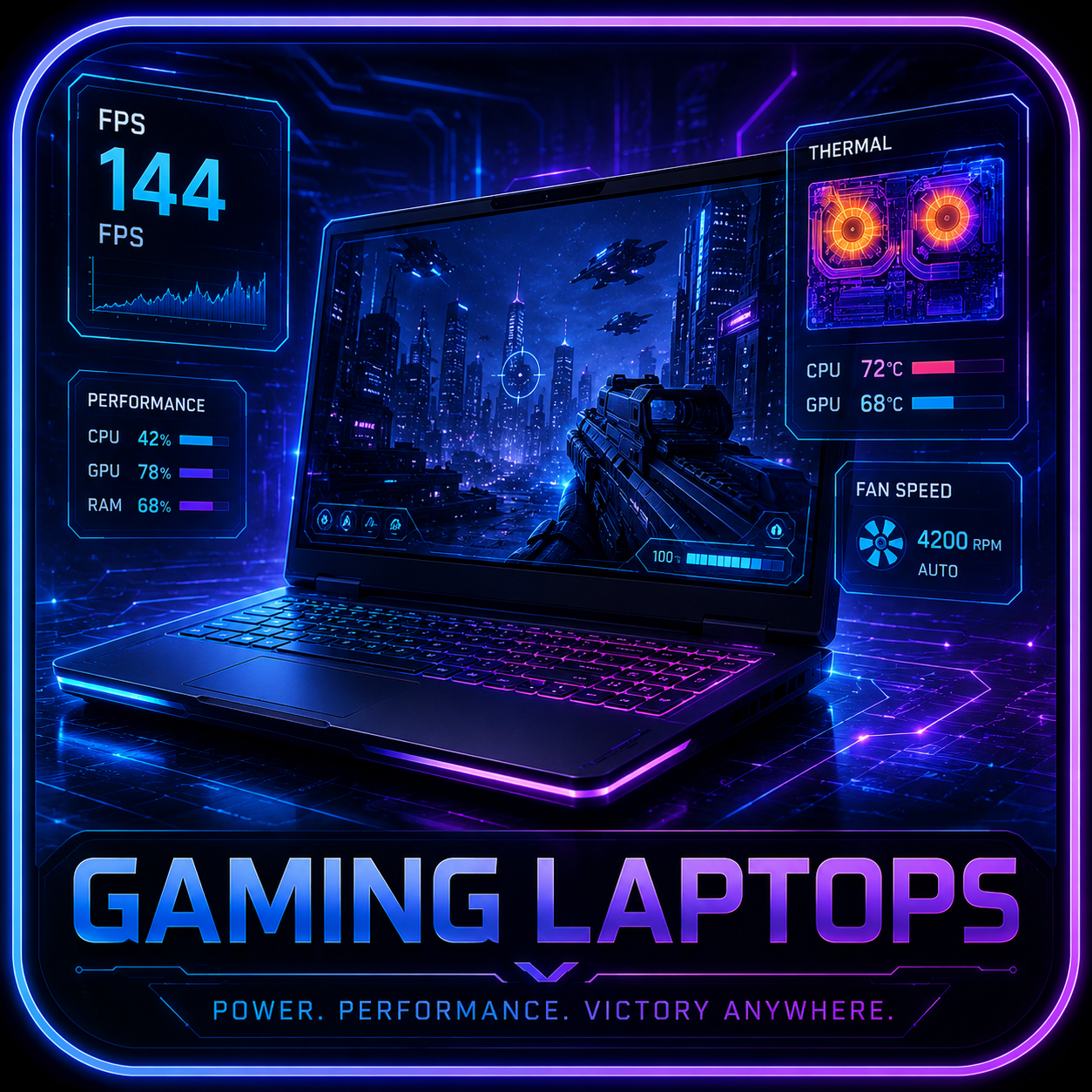 Gaming Laptops
Mobile GPU wattage, thermals, display quality, battery, and memory access matter before the model name.
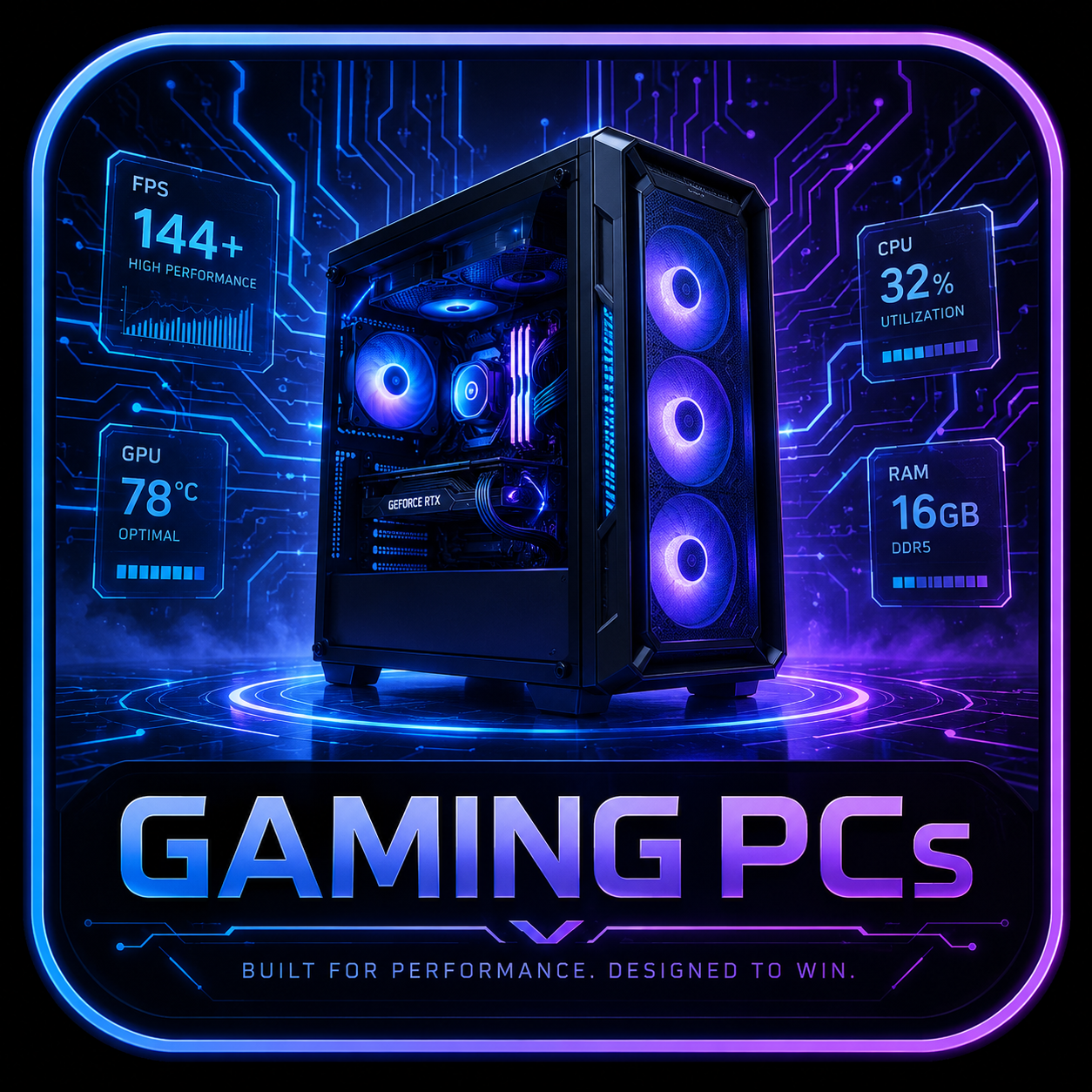 Desktop Systems
Tower airflow, GPU fit, PSU headroom, and upgrade room decide the long-term value of a desktop rig.
 Graphics Cards
GPU picks should match resolution, VRAM needs, case clearance, PSU connectors, and airflow.
 Memory
RAM upgrades depend on DDR generation, slot count, capacity ceiling, speed support, and matched kits.
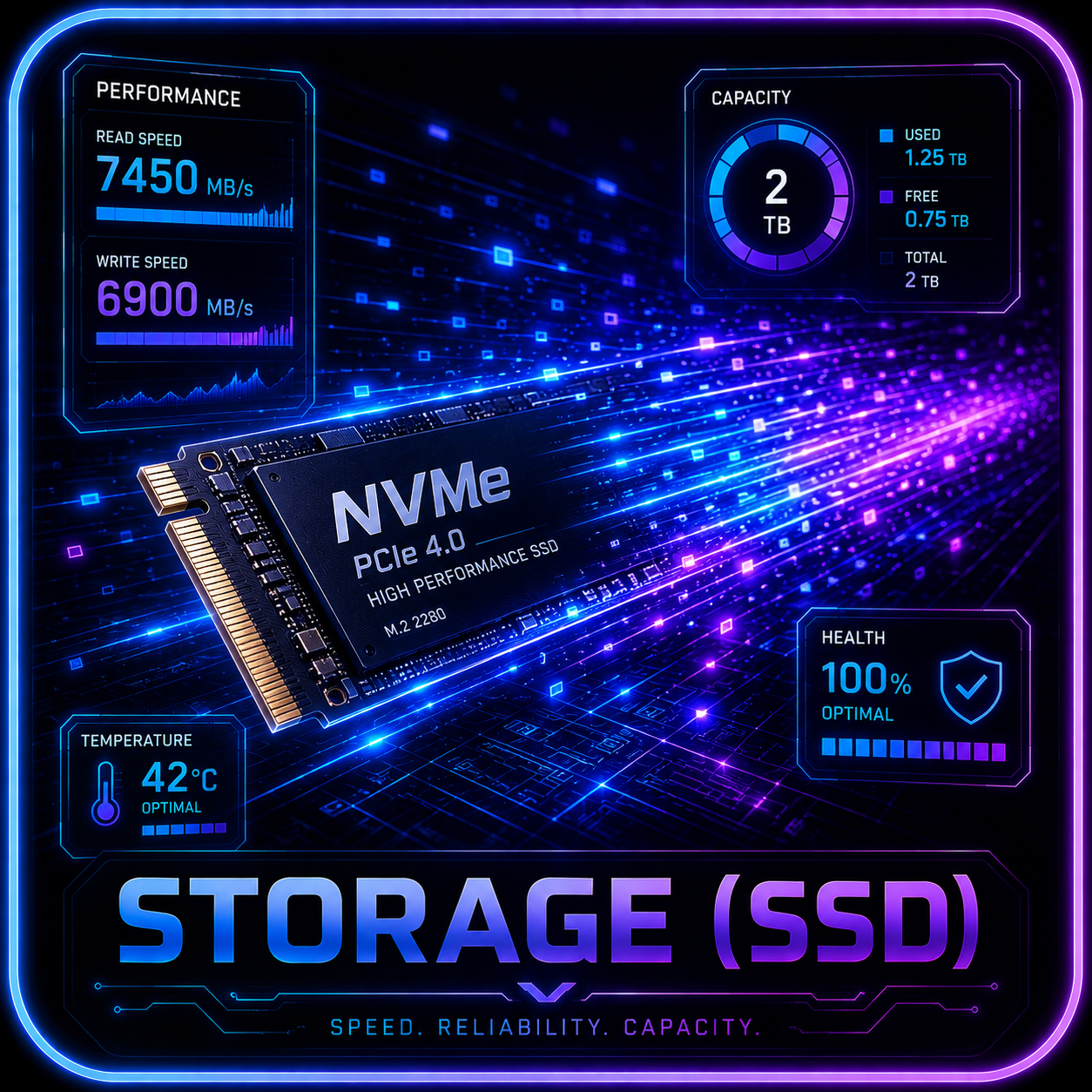 Storage
SSD recommendations need M.2 slot, heatsink, lane sharing, capacity, endurance, and migration checks.
Plain-English distinction
The Processor Label Is Not The Workload.
A good buying decision starts by asking what the machine needs to run locally, how long it runs, and which part carries the load.
NPU-Friendly Tasks
Think background effects, transcription, noise cleanup, assistant features, and supported app accelerations where battery or efficiency matters.
GPU And VRAM Tasks
Chat models, image generation, larger context windows, and creator AI workloads usually hit GPU memory, driver support, system RAM, and cooling first.
Whole-System Fit
Gaming plus AI, creator work, coding, and home-office use can all be valid. The right machine depends on which workload gets priority.
Do not buy an AI PC label. Buy the hardware path that matches the workload: NPU for supported convenience features, GPU VRAM for local AI, and enough RAM, storage, cooling, and support to keep it useful.
Search your need
Search By Need.
Search by use case, budget, GPU, VRAM, monitor target, or review topic.
AI PC means different things depending on whether the workload uses an NPU, GPU, CPU, or the whole system. Use this explainer to separate AI PC features from local AI rig requirements.
Help improve this page
Found A Better Lead Or Real-World Detail?
Send a qualified product lead, correction, owner note, or review request. Strong submissions include exact model numbers, URLs, price context, workload, warranty notes, and what should be verified before publication.