Best Prebuilt Gaming PCs for AI and Local LLMs
A guide for users who want a prebuilt system for Ollama, local AI models, creator workloads, and GPU-heavy productivity.
PC buying guidance without spec overload
Ultimate Rig Guide turns messy desktop specs into clear recommendations, comparison tables, and plain-English tradeoffs.

Fast route
The strongest pages now start from the buyer question: local models, gaming monitors, everyday desktop value, or review-level tradeoffs.
Use this path when VRAM, system RAM, storage, and sustained cooling matter more than gaming frame rates.
Match a monitor Start With Gaming PCsUse this path when the right answer depends on 1080p, 1440p, 4K, high refresh, streaming, or quiet play.
Choose a tier Start With Best DesktopsUse this path when budget, balanced work/gaming, premium creator, or upgrade-risk lanes need sorting first.
Check a specific rig Start With ReviewsUse this path when you want best for, skip if, verified specs, alternatives, and update history before a buy decision.
Visual hardware guide
These product visuals make the buying paths more concrete: complete systems first, then the parts that decide performance, upgrade room, and thermal headroom.
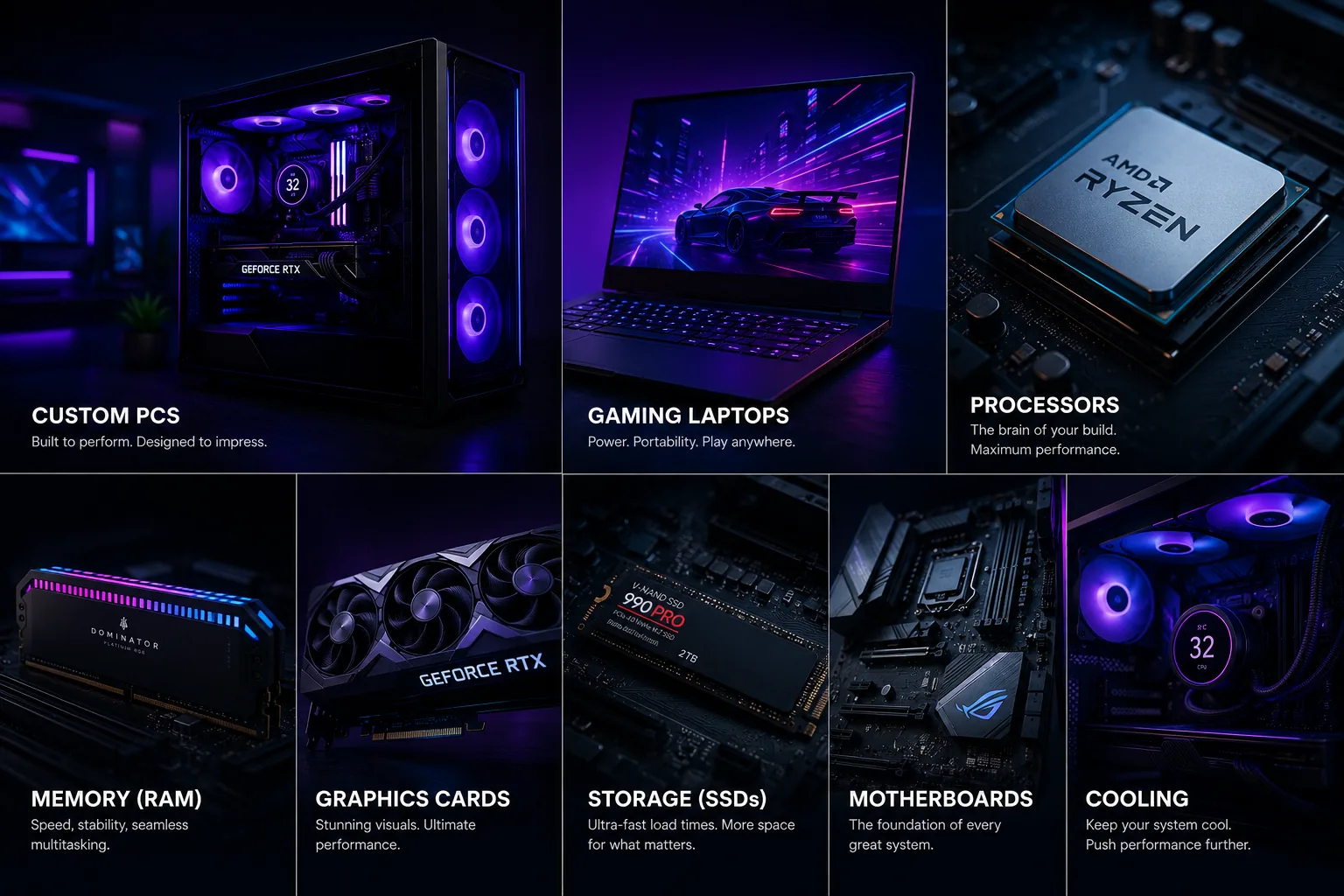 All Product Paths
Desktop, laptop, processor, memory, graphics, storage, motherboard, and cooling categories in one visual map.
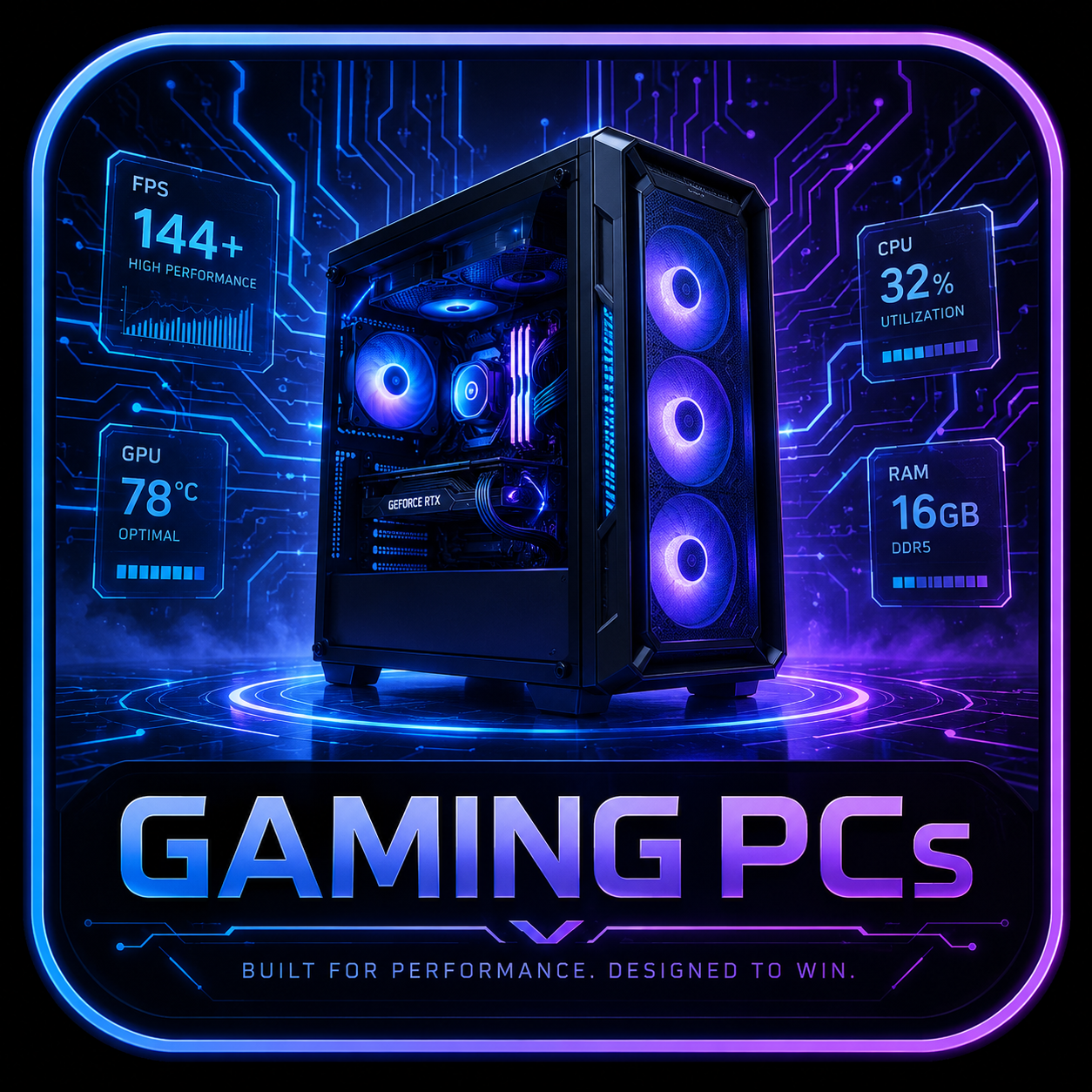 Desktop Systems
Tower airflow, GPU fit, PSU headroom, and upgrade room decide the long-term value of a desktop rig.
 AI Workstations
GPU VRAM, RAM ceiling, storage, cooling, drivers, and sustained load decide whether local AI work feels practical.
 Gaming Laptops
Mobile GPU wattage, thermals, display quality, battery, and memory access matter before the model name.
 Processors
CPU choices need socket, chipset, cooling, BIOS, and workload context before they become recommendations.
 Graphics Cards
GPU picks should match resolution, VRAM needs, case clearance, PSU connectors, and airflow.
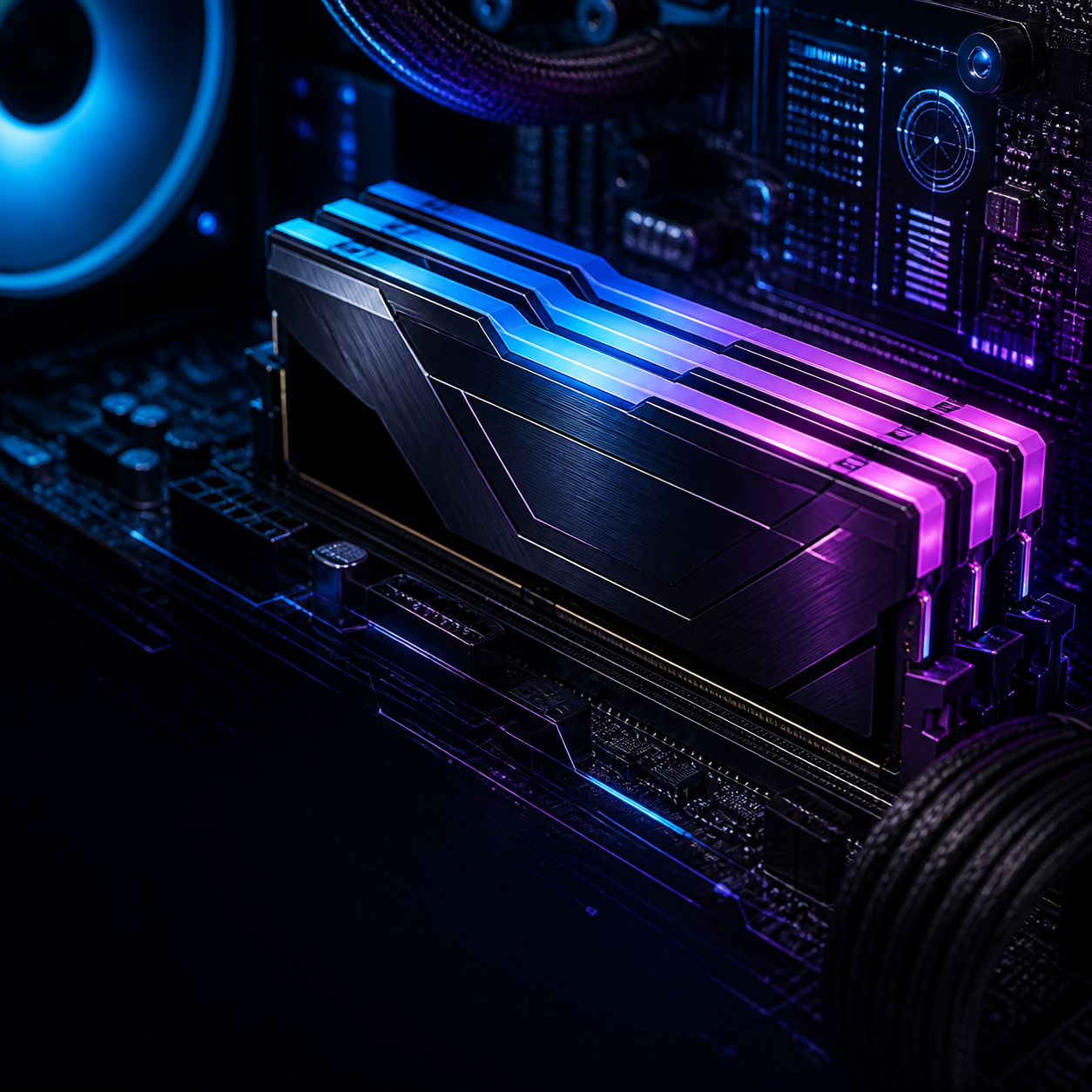 Memory
RAM upgrades depend on DDR generation, slot count, capacity ceiling, speed support, and matched kits.
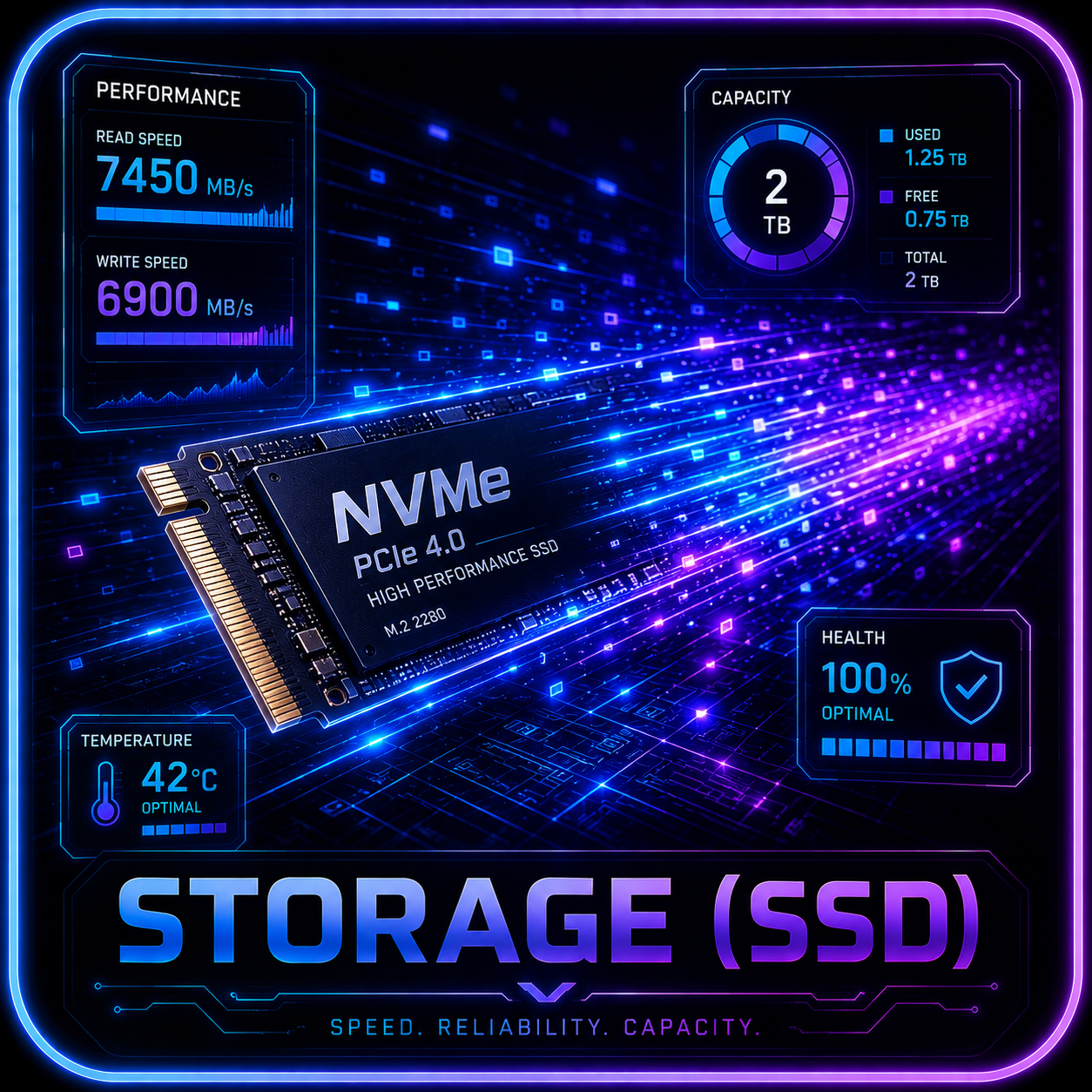 Storage
SSD recommendations need M.2 slot, heatsink, lane sharing, capacity, endurance, and migration checks.
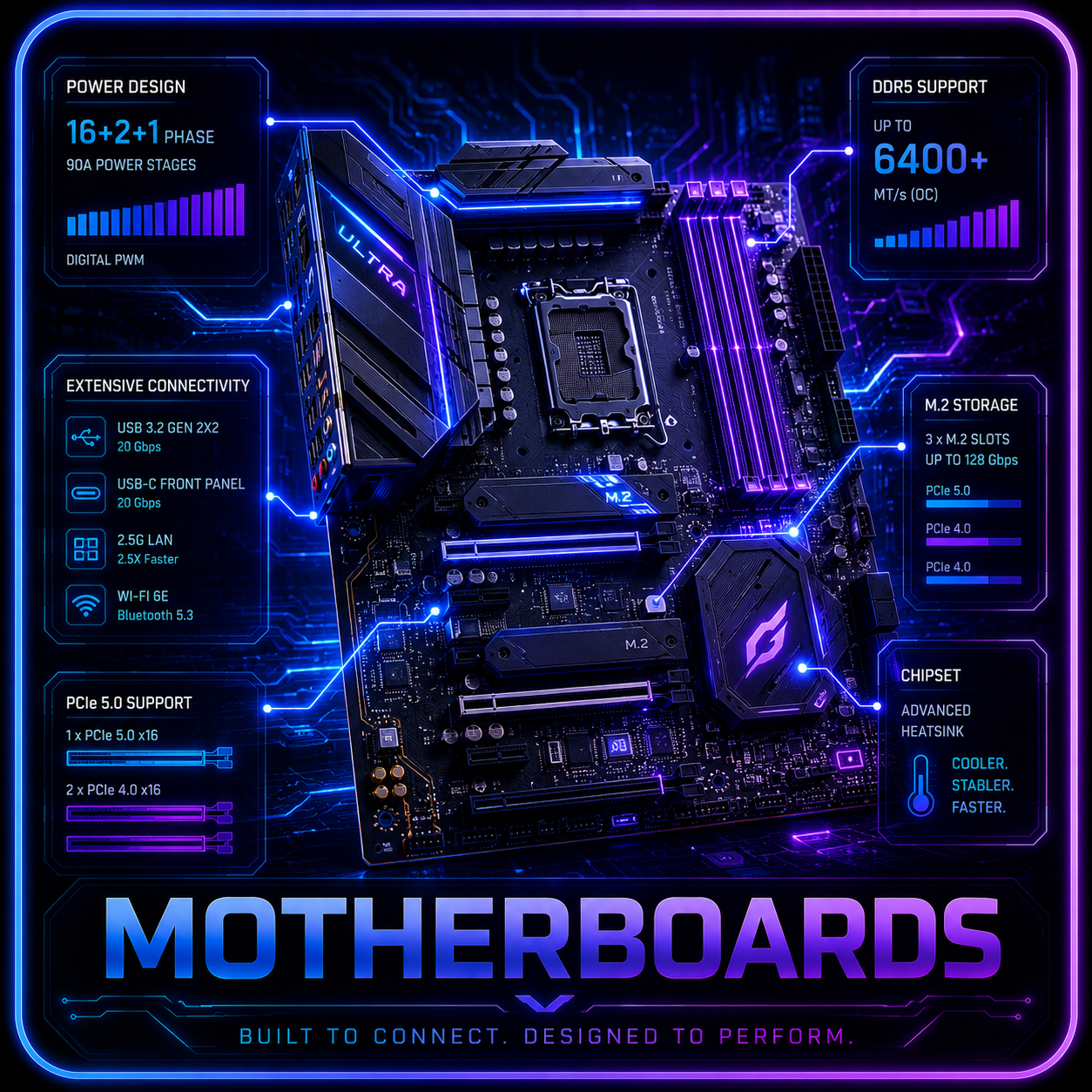 Motherboards
The board sets the socket, memory generation, expansion path, storage layout, and upgrade risk.
 Cooling
Cooling checks include radiator support, fan mounts, pump behavior, noise, dust access, and sustained thermals.
Interactive fit check
Choose a desktop or laptop, tell us your main use, and set your budget. The rig finder adapts its questions and explains the tradeoffs, including your games, applications and gaming preferences.
 Open Rig Finder
Rig Lab
Start with what the rig is for, what matters first, where vendors cut corners, and which alternative deserves a look.
A 1440p gaming tower, a local AI box, and a creator workstation can all look similar on a product page. The buying logic is completely different.
Review approach
Readers should know why a rig wins, who should skip it, and what competing build makes more sense.
Buying paths
Frame the choice by model size, RAM, storage, and cooling instead of raw GPU branding.
GamingMatch the rig to 1080p, 1440p, 4K, esports, streaming, or quiet living-room play.
Desktop picksSeparate smart budget buys from upgrade traps, overpriced towers, and poor thermal designs.
Decision engine
For local models, GPU memory and system RAM can matter more than chasing the fastest CPU.
Match GPU class to your monitor resolution before spending extra on prestige parts.
Sustained cooling, RAM capacity, and scratch storage make fast specs feel fast every day.
A good prebuilt is not just parts-per-dollar. Warranty, noise, airflow, and upgrades count.
Featured guides
Start with a cornerstone buying guide, then use focused reviews and comparisons to narrow the shortlist.
The flagship guide for VRAM, RAM, storage, thermals, and prebuilt systems that can actually run local models.
Cornerstone 02A buying path organized around monitor resolution, GPU class, airflow, and price tiers.
Cornerstone 03A high-intent affiliate guide for buyers who want value without upgrade traps.
ExplainerA practical bridge from education into AI rig recommendations and product picks.
Buyer educationA trust-building guide that explains convenience, warranty, upgrades, airflow, and value.
Review tracks
Review promise
Each recommendation should explain who it is best for, who should skip it, what specifications matter, what compromises to watch for, and which competing option deserves a look.
A guide for users who want a prebuilt system for Ollama, local AI models, creator workloads, and GPU-heavy productivity.
A buyer-focused roundup comparing high-end RTX 5090 desktops for 4K gaming, streaming, creator work, and local AI workloads.
A direct handheld comparison for users choosing between Lenovo and ASUS portable gaming systems.
Why trust this guide
Recommendations begin with workload fit, exact configurations, tradeoffs, warranty context, and realistic alternatives. Retailer links never replace the analysis.
Help improve this page
Send a qualified product lead, correction, owner note, or review request. Strong submissions include exact model numbers, URLs, price context, workload, warranty notes, and what should be verified before publication.