
Gaming desktops
Gaming PC Buying Guide.
A useful gaming PC recommendation starts with the monitor, target frame rate, game type, upscaling expectations, and the cooling, power, warranty and support.
How to think about it
Gaming PCs
High refresh value
Prioritize GPU efficiency and avoid paying for parts aimed at 4K.
The sweet spot
Balance GPU tier, CPU headroom, and airflow for long-term comfort.
Premium GPU territory
Look hard at thermals, power delivery, warranty, and case airflow.
Visual hardware guide
Visual References For This Buying Path.
Use these visuals to explore hardware categories, compare specifications and identify the details to check before buying.
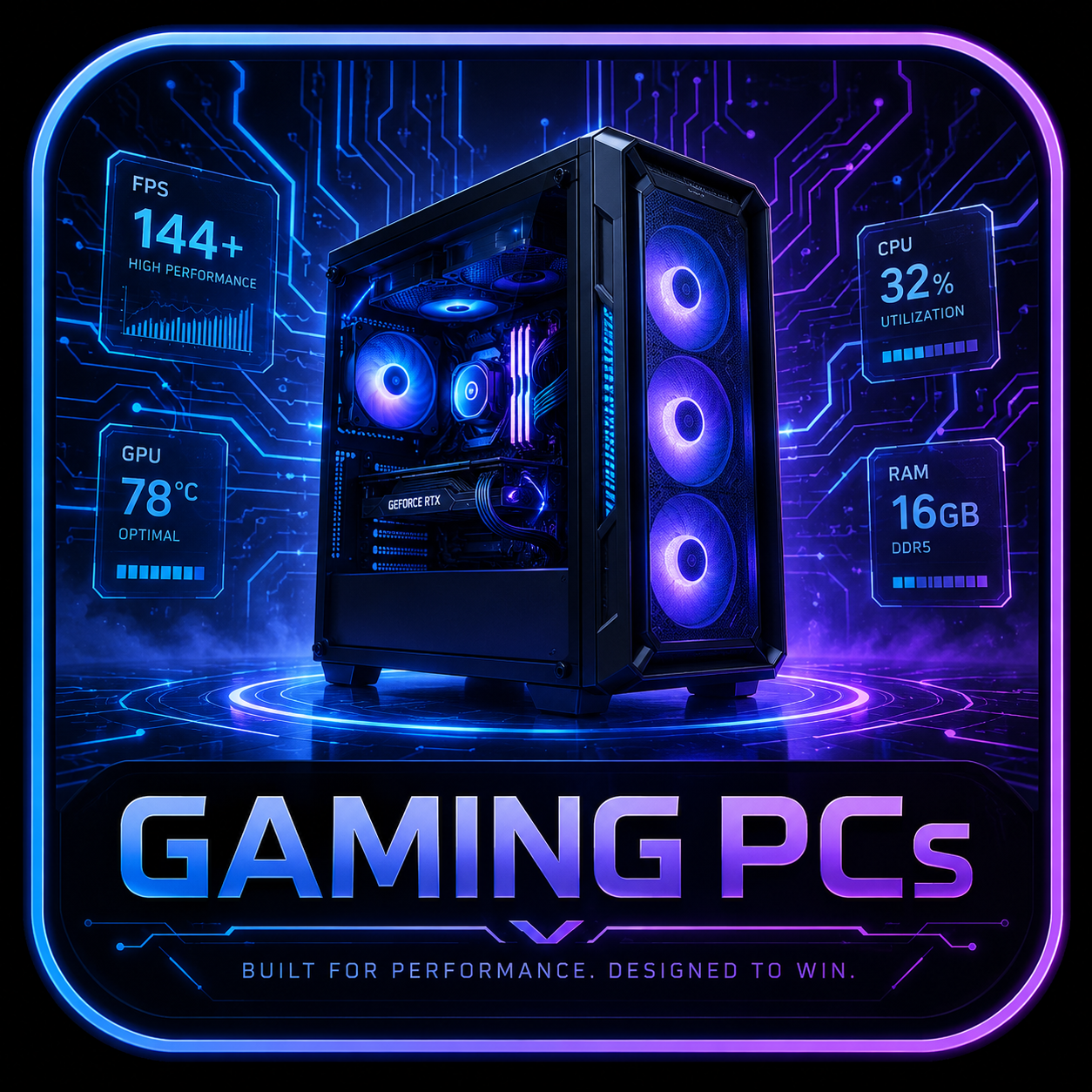 Desktop Systems
Tower airflow, GPU fit, PSU headroom, and upgrade room decide the long-term value of a desktop rig.
 Graphics Cards
GPU picks should match resolution, VRAM needs, case clearance, PSU connectors, and airflow.
 Processors
CPU choices need socket, chipset, cooling, BIOS, and workload context before they become recommendations.
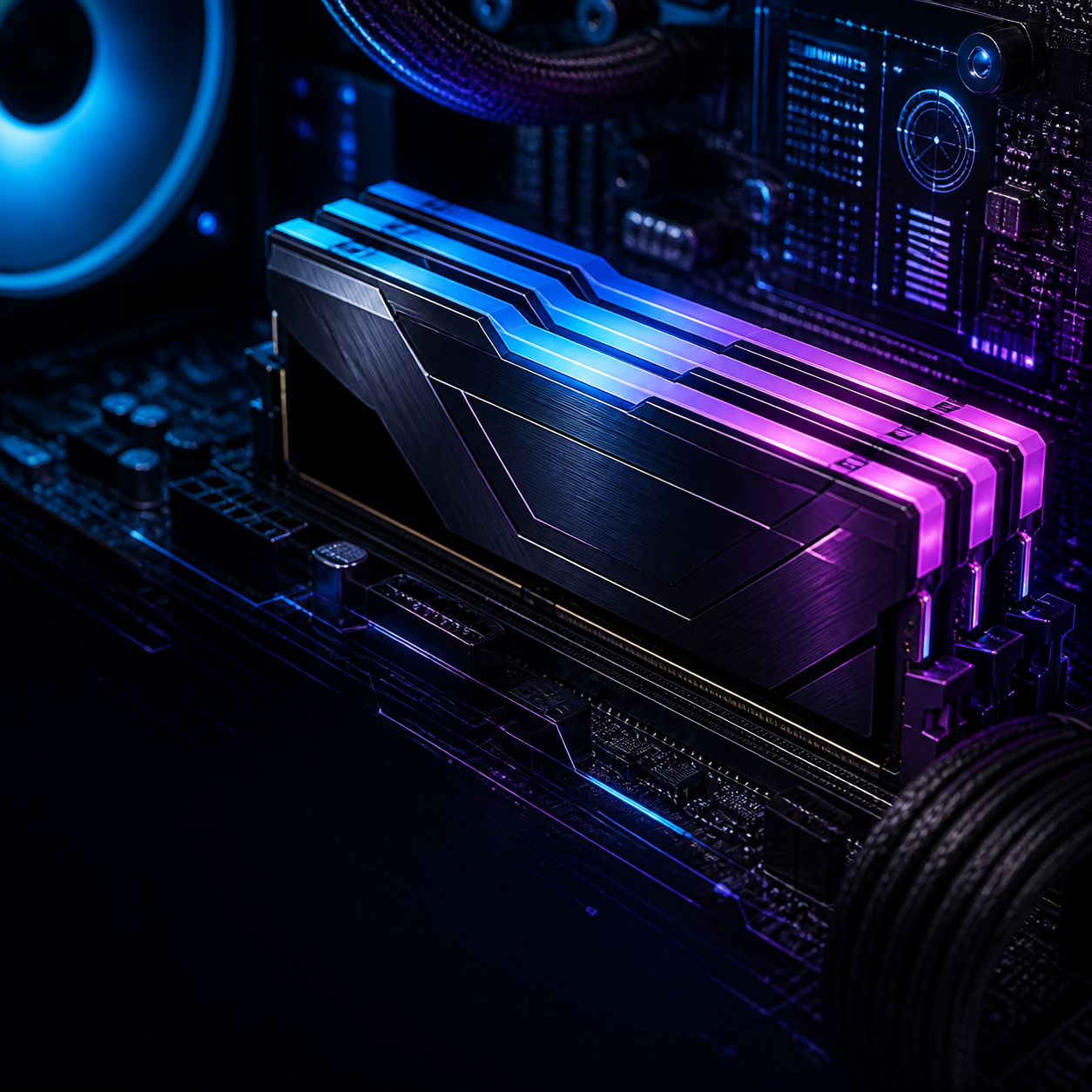 Memory
RAM upgrades depend on DDR generation, slot count, capacity ceiling, speed support, and matched kits.
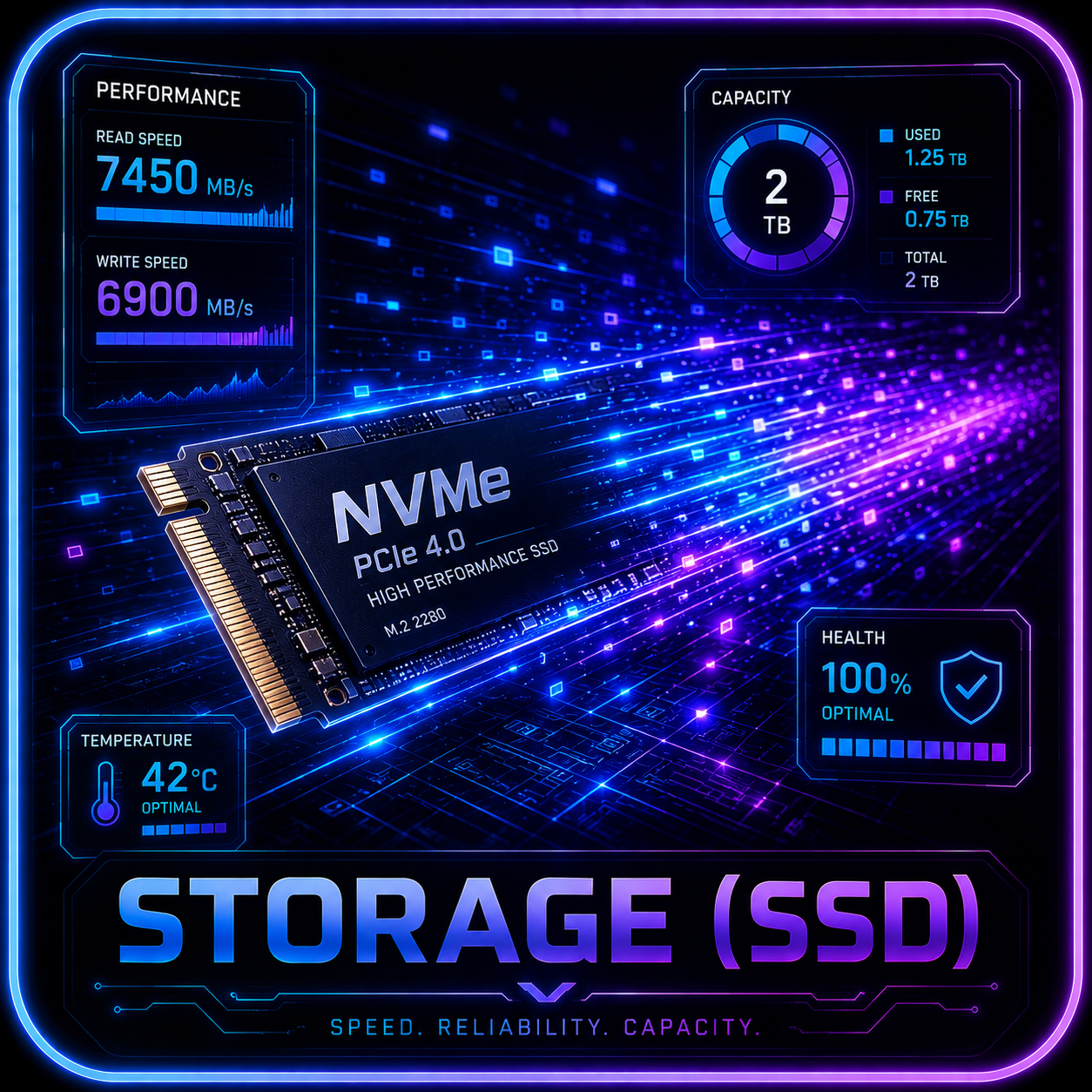 Storage
SSD recommendations need M.2 slot, heatsink, lane sharing, capacity, endurance, and migration checks.
 Cooling
Cooling checks include radiator support, fan mounts, pump behavior, noise, dust access, and sustained thermals.
Tracked comparison
Tracked Gaming Desktop Candidates.
Use this table to compare the current ROG, Alienware, and Acer lanes before deciding which review needs deeper source verification next.
 Before you buy
Retailer links appear only after the exact configuration, seller, price context, warranty, and availability have been checked. Any compensated relationship will be clearly disclosed.
Monitor-to-GPU map
Buy For The Screen You Actually Use.
This gives the gaming hub a practical buyer map before any product card appears. The exact SKU still decides the final recommendation.
1080p 60-144Hz
- GPU Lane
- RTX 5060-class or better for modern games; older cards can still fit esports and lighter titles.
- CPU / System
- A current midrange CPU, 16-32GB RAM, and 1TB SSD are enough if the GPU and cooling are not compromised.
- Watch
- Avoid paying premium-tower prices for a system aimed at 1080p unless warranty, quiet operation, or upgrades justify it.
- Buyer Fit
- Best for students, value buyers, esports, and first gaming desktops.
1080p / 1440p High Refresh
- GPU Lane
- RTX 5060 Ti to RTX 5070-class systems are the practical starting point, with CPU consistency and latency becoming more visible.
- CPU / System
- Prioritize strong single-thread gaming performance, 32GB RAM when possible, and cooling that holds boost clocks.
- Watch
- Do not let RGB, case glass, or brand tax steal budget from GPU, CPU cooling, memory, and monitor quality.
- Buyer Fit
- Best for competitive players, streamers, and buyers who care about smoothness more than 4K visuals.
1440p AAA Gaming
- GPU Lane
- RTX 5070-class desktops are the live review anchor; RTX 5070 Ti and RTX 5080 lanes add headroom.
- CPU / System
- 32GB RAM, 1-2TB NVMe storage, and a case with real airflow should be the default expectation.
- Watch
- Verify exact GPU VRAM, PSU wattage, warranty, motherboard, Wi-Fi, storage expansion, and sale price before recommending.
- Buyer Fit
- Best for most premium-mainstream buyers and the clearest ROG G700 versus Aurora comparison path.
4K / Ray Tracing
- GPU Lane
- RTX 5080-class or stronger is the safer lane, especially when path tracing, high settings, and DLSS are part of the pitch.
- CPU / System
- A balanced high-end CPU, 32-64GB RAM, 2TB storage, and quiet sustained cooling matter more as price rises.
- Watch
- Avoid tiny cases and unclear PSUs; high-end GPUs expose weak thermals and poor support faster.
- Buyer Fit
- Best for 4K single-player, creator/gaming overlap, and readers shopping RTX 5080-class prebuilts.
4K High Refresh / Halo
- GPU Lane
- RTX 5090-class systems belong in a premium watchlist unless the buyer truly needs flagship GPU headroom.
- CPU / System
- Expect 64GB RAM options, 2TB+ storage, high-wattage PSU planning, strong airflow, and a clear support path.
- Watch
- Compare boutique/custom builds and warranty terms before treating any halo tower as practical value.
- Buyer Fit
- Best for showcase buyers, 4K high refresh, simulation, creation, and local AI overlap.
Small Desk Gaming
- GPU Lane
- Midrange GPUs are easier to cool in compact systems; higher GPUs need louder fans or stricter power limits.
- CPU / System
- Favor efficient CPUs, 32GB RAM, and storage expansion that does not require fighting the chassis.
- Watch
- Noise, heat, proprietary parts, and upgrade limits can outweigh the convenience of the smaller footprint.
- Buyer Fit
- Best for dorms, apartments, living rooms, and buyers who truly need a small tower.
Verification layer
Gaming PC Checks Before A Buy Button.
The best gaming recommendation is specific: monitor, GPU, cooling, warranty, upgrade path, and a rival at the same class.
Start With The Monitor
Resolution, refresh rate, adaptive sync, and game type should decide the GPU lane before brand or lighting enters the conversation.
Compare Rendering Modes And Responsiveness
Compare native rendering, upscaling and frame generation separately. Check game support, image quality, rendered performance and input latency at the settings you plan to use.
Verify The GPU And VRAM
RTX 5070, 5070 Ti, 5080, and 5090 lanes do different jobs. The exact GPU, VRAM, and power behavior must be visible.
Check Sustained Cooling
A prebuilt can benchmark well and still be annoying if fan noise, thermal limits, or a cramped case show up during long sessions.
Protect The Upgrade Path
Standard PSU connectors, case clearance, RAM slots, open M.2 bays, and warranty terms matter more than a spec sheet headline.
Compare A Non-Brand Alternative
ROG, Alienware, and Acer Predator can be good fits, but each recommendation should name a cheaper or more flexible alternative at the same GPU class.
Product lanes
Gaming Paths Already In Motion.
ROG G700 RTX 5070
Read G700 ReviewAlienware Aurora ACT1250
Read Aurora ReviewAcer Predator Orion Watchlist
Compare Acer PredatorROG GM700 / RTX 5070 Ti Watch
Compare ROG LineupArea-51 / RTX 5080-5090 Watch
Compare AlienwareBefore buying a gaming PC, check the exact configuration, current price, monitor fit, graphics memory, cooling, power supply, memory, storage, warranty, return terms and a comparable alternative.
Search your need
Search By Need.
Search by use case, budget, GPU, VRAM, monitor target, or review topic.
Gaming PC recommendations now start with the screen: resolution, refresh rate, game type, native versus upscaled frame-rate expectations, cooling, warranty, and upgrade path before any product lane earns a CTA.
Help improve this page
Found A Better Lead Or Real-World Detail?
Send a qualified product lead, correction, owner note, or review request. Strong submissions include exact model numbers, URLs, price context, workload, warranty notes, and what should be verified before publication.