


Affiliate disclosure
Retailer links appear only after the exact configuration, seller, price context, warranty, and availability have been checked. Any compensated relationship will be clearly disclosed.
What works
- Strong fit for the workload described in this review.
- Spec table and alternatives make the buying tradeoffs easier to compare.
- Affiliate CTA stays gated until product details are verified.
Watch-outs
- Exact price, stock, cooling, PSU, and warranty still need final verification.
- May not be the best value if a rival tower has stronger standard parts.
- Upgrade path depends on the exact motherboard, case, and power supply.
Linux readiness
Linux readiness pending driver, firmware, and vendor-support checks.
Power and cooling
Power, cooling, thermals, acoustics, and PSU headroom still need exact-configuration verification.
Before we recommend it
Verification Gates
Price and stock should be rechecked against the exact retailer SKU before any buy button is published.
- VRAM first
- CUDA/software needs
- System RAM
- PSU and connector safety
- Case airflow
- Dataset storage
- Remote vs local cost
AI Workstation Buying Guide (2026): Building the Right System for Local AI, LLMs, and Creator Workloads
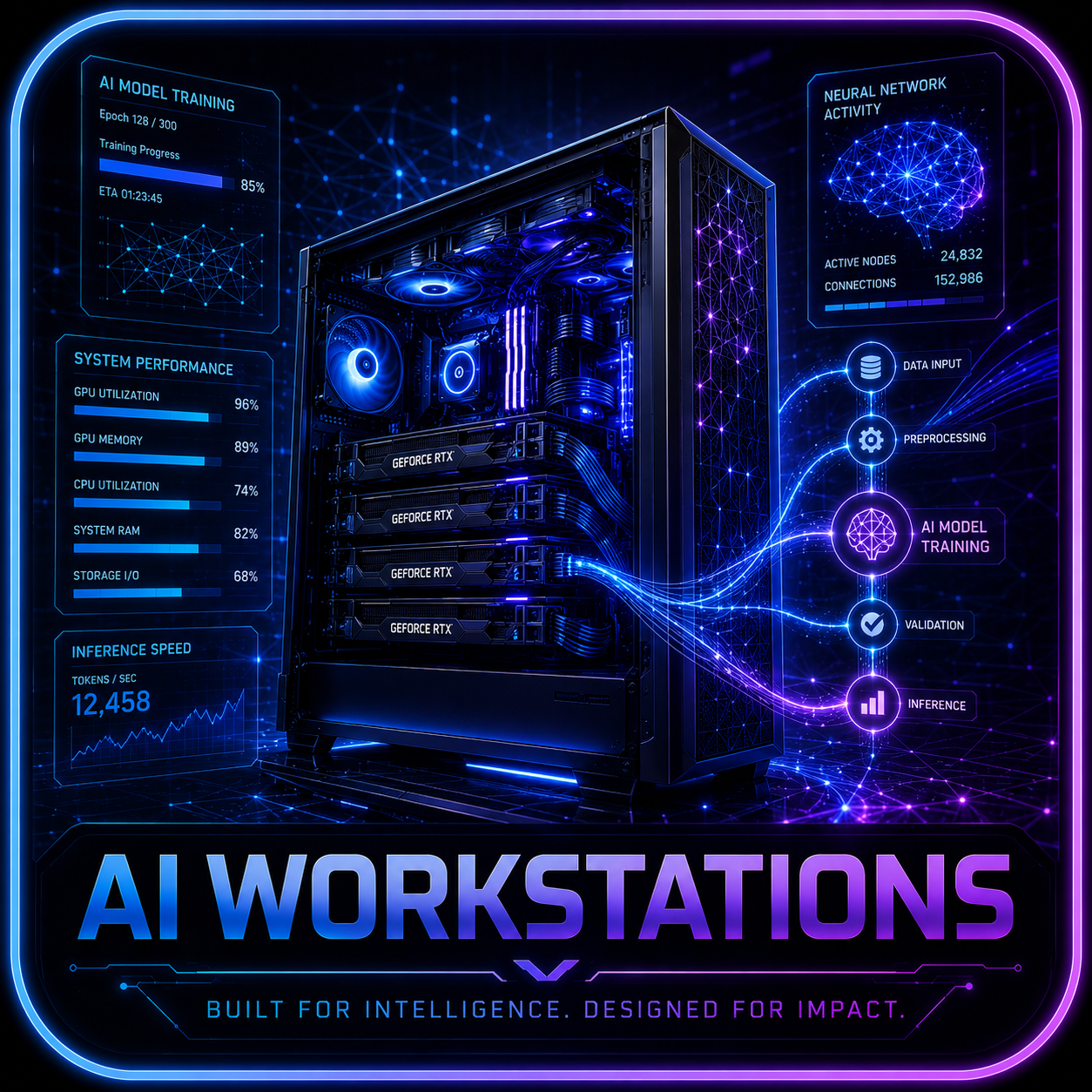
Artificial intelligence is quickly becoming one of the most demanding workloads available to desktop users. Whether you’re running local large language models (LLMs), generating AI artwork, experimenting with LoRA training, building AI agents, or combining gaming and creator workloads on one machine, choosing the right hardware matters.
The challenge is that AI workstation requirements are often misunderstood. Many buyers focus entirely on GPU horsepower while overlooking memory capacity, storage planning, cooling, power delivery, and long-term upgrade potential.
This guide is designed to help buyers select the right AI workstation without overspending on components that may provide little real-world benefit for their intended workloads.
Quick Verdict
The best AI workstation is not always the fastest or most expensive system available. The ideal configuration is the one that aligns with your model sizes, software ecosystem, workflow requirements, upgrade plans, and budget.
For most local AI users, VRAM capacity and storage planning will have a greater impact on daily usability than chasing benchmark numbers alone.
Before purchasing, determine:
- Which models you plan to run
- Whether you need inference or training
- Your preferred AI software stack
- Whether gaming will also be a primary workload
- Your future upgrade goals
These answers should guide every hardware decision.
Best Starting Points
Best Local AI Baseline
For most users entering the local AI space:
- Modern NVIDIA or AMD GPU
- 64GB system memory when possible
- Fast NVMe SSD storage
- Strong case airflow
- Quality power supply
This configuration provides flexibility for experimentation without immediately stepping into workstation-class budgets.
Best Single-GPU Premium Option
For advanced AI workloads:
- RTX 5090-class GPU
- RTX 4090-class GPU
Advantages include:
- Large VRAM capacity
- Strong CUDA ecosystem support
- Better support for larger models
- Faster inference performance
- Greater future-proofing
These systems target serious AI enthusiasts, creators, and professionals.
Best Balanced AI + Gaming System
For mixed workloads:
- RTX 5080-class GPU
- RTX 5070 Ti-class GPU
Benefits include:
- Strong gaming performance
- AI experimentation capability
- Better overall value
- Lower power requirements
- Easier cooling management
This category often provides the best balance between performance and affordability.
Best Storage Strategy
AI projects consume storage quickly.
Recommended starting point:
- 2TB NVMe SSD for operating system and applications
- Additional high-speed storage for:
- Models
- Datasets
- Outputs
- Project files
- Backups
Many users underestimate storage requirements during the planning stage.
Who This Guide Is For
This guide is designed for:
- Local AI enthusiasts
- LLM users
- Creator workstations
- AI hobbyists
- Stable Diffusion users
- ComfyUI users
- LM Studio users
- Ollama users
- AI developers
- Content creators
- Hybrid gaming and workstation builders
If you’re comparing multiple systems that appear similar on paper, this guide helps translate specifications into practical buying decisions.
What We Verify Before Recommending
VRAM Comes First
For AI workloads, VRAM is often the most important specification.
More VRAM generally means:
- Larger models
- Larger context windows
- Faster workflows
- Less model swapping
- Greater flexibility
Many AI limitations are caused by insufficient VRAM rather than insufficient GPU processing power.
CUDA and Software Compatibility
Before purchasing hardware, verify compatibility with:
- Ollama
- LM Studio
- Stable Diffusion
- ComfyUI
- Automatic1111
- TensorFlow
- PyTorch
- Popular AI frameworks
Hardware recommendations should align with the software ecosystem you intend to use.
System Memory Requirements
AI workloads can consume substantial system RAM.
Recommended targets:
| Workload | Recommended RAM |
|---|---|
| Entry-Level AI | 32GB |
| General Local AI | 64GB |
| Heavy AI Workloads | 96GB+ |
| Advanced Development | 128GB+ |
For many users, 64GB represents the current sweet spot.
PSU and Connector Safety
Modern high-performance GPUs require careful power planning.
Verify:
- PSU wattage
- Connector compatibility
- Manufacturer recommendations
- Cable quality
- Upgrade headroom
A quality power supply is critical for system stability.
Airflow and Cooling
AI workloads can stress hardware for extended periods.
Look for:
- Mesh-front cases
- Strong intake airflow
- Quality fans
- Proper cable management
- Adequate radiator support
Thermal performance directly impacts system reliability.
Dataset and Model Storage
Storage planning should account for:
- AI models
- Training datasets
- Checkpoints
- Generated outputs
- Project archives
Many AI users quickly exceed 1TB of storage.
Remote vs Local AI Costs
Local AI can reduce long-term cloud expenses, but hardware investment should still be evaluated carefully.
Questions to ask:
- How often will the system be used?
- Are cloud services sufficient?
- Is privacy important?
- Will workloads grow over time?
For some users, local hardware becomes more economical than recurring cloud subscriptions.
Understanding AI Workloads
LLM Inference
Inference workloads involve running existing models locally.
Common examples:
- Chat assistants
- Research tools
- Coding assistants
- Personal AI agents
Inference typically benefits most from VRAM capacity.
LoRA Training
LoRA training enables model customization while reducing hardware requirements compared to full model training.
Benefits include:
- Lower storage requirements
- Faster training cycles
- Lower GPU requirements
- Practical local experimentation
AI Image Generation
Popular applications include:
- Stable Diffusion
- ComfyUI
- Flux workflows
- Image editing pipelines
These workloads benefit from:
- GPU performance
- VRAM capacity
- Fast storage
Creator Workloads
Many AI workstation buyers also perform:
- Video editing
- Motion graphics
- 3D rendering
- Streaming
- Content production
A balanced workstation should support both creative and AI tasks effectively.
Common Buying Mistakes
Focusing Only on GPU Performance
VRAM often matters more than raw compute power.
Underestimating Storage Needs
Models and datasets accumulate quickly.
Buying Too Little RAM
System memory becomes increasingly important as projects grow.
Ignoring Airflow
AI workloads frequently run for extended periods and generate significant heat.
Overbuilding for Current Needs
Purchase for realistic workloads while preserving upgrade flexibility.
Frequently Asked Questions
How much VRAM do I need for local AI?
Requirements vary significantly by model size, quantization method, context length, and intended workload. More VRAM generally provides greater flexibility.
Is NVIDIA better for local AI?
Many AI tools currently offer stronger support and optimization for NVIDIA’s CUDA ecosystem, though AMD support continues to improve.
Is 64GB RAM enough?
For most local AI users, 64GB represents an excellent starting point.
Should I buy an AI workstation or use cloud services?
The answer depends on workload frequency, privacy concerns, subscription costs, and long-term usage expectations.
Do I need a workstation CPU?
Not always. Many AI workloads depend more heavily on GPU resources than processor performance.
Can I game and run AI workloads on the same PC?
Yes. Many users build hybrid gaming and AI systems that perform exceptionally well in both roles.
Related Reading
- RTX 5090 Review
- SSD Buying Guide
- Best CPUs for Gaming
- Best Gaming PCs 2026
- How to Build a Gaming PC
- Best GPUs for 1440p Gaming
Final Thoughts
Building an AI workstation is ultimately about balancing resources. The most expensive hardware is not automatically the best solution. Instead, focus on matching GPU memory, system RAM, storage capacity, cooling, and software compatibility to your actual workloads.
For many buyers, a balanced AI workstation that supports local LLMs, image generation, creator applications, and gaming will provide far greater long-term value than chasing specifications that exceed their practical needs.
Editorial Status: Draft prepared June 2026. Product links, exact SKUs, pricing, availability, and retailer call-to-actions remain pending verification.
Publication Note: AI requirements vary significantly depending on model size, quantization, context length, batch size, and whether workloads focus on training or inference.
Affiliate Status: Retailer links should only be added after verifying product specifications, seller reputation, stock availability, warranty coverage, return policies, and competitive alternatives.
Bottom line
Who Should Buy It?
Buyers who match the workload, budget, and upgrade assumptions in this guide.
Use this review as a buying map: compare fit, specifications, warranty, thermals, pricing context, and alternatives before choosing a retailer.
Update history
- 2026-06-15 - Product details and verification status reviewed.
Help improve this page
Found A Better Lead Or Real-World Detail?
Send a qualified product lead, correction, owner note, or review request. Strong submissions include exact model numbers, URLs, price context, workload, warranty notes, and what should be verified before publication.
Reader discussion
0 Comments
Add a correction, owner note, compatibility warning, or real-world buying context. Useful comments may help shape future updates, but private order details and account information should stay out of public discussion.